Fix the Shopify app ERR_INVALID_ARG_TYPE “key” error
You try to install your Shopify app on a development store, and the server throws ERR_INVALID_ARG_TYPE. It’s not a bug in Shopify. This error means your app’s API secret is missing from its environment. Load SHOPIFY_API_KEY and SHOPIFY_API_SECRET into the environment the app runs in, and the error goes away.
The full message looks like this.
TypeError [ERR_INVALID_ARG_TYPE]: The "key" argument must be of type string or an instance of Buffer, TypedArray, DataView, or KeyObject. Received undefined
Node’s crypto code is being asked to sign or check a request with a key that is undefined.
Why it happens
Shopify signs its OAuth redirects, webhooks and app proxy requests with an HMAC. An HMAC is a signature made with your app’s client secret. Your app checks the signature with Node’s crypto.createHmac( 'sha256', secret ).
If process.env.SHOPIFY_API_SECRET is empty, that call receives undefined and throws this error. The error message is long, but its most useful word is the last one. In the browser, you usually see an “Internal Server Error” when you try to install the app on a development store.
So the real question is why the variable is empty. There are four usual reasons, and I’d check them in this order.
1. You started the app without the Shopify CLI
Apps built from Shopify’s current templates get their credentials from the CLI. shopify app dev reads the app’s configuration and starts a tunnel. It also passes SHOPIFY_API_KEY, SHOPIFY_API_SECRET, the app URL and the scopes into the process for you.
If you run npm run dev or node server.js directly, none of that happens. It’s like arriving at the office without your key card. The building is fine, but you can’t get in. Start the app with the CLI every time you develop.
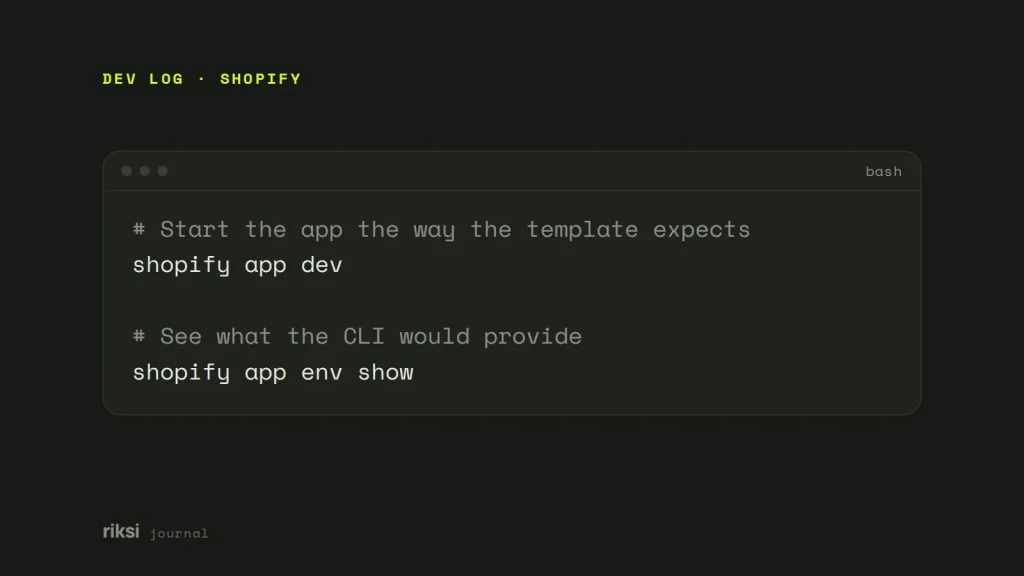
# Start the app the way the template expects
shopify app dev

# See what the CLI would provide
shopify app env show
2. The .env file is missing, misnamed or not loaded
Older Node templates read the values from a .env file in the project root. So does any app you run outside the CLI. Check three things about the file.
- It exists with exactly that name, not
.env.exampleorprocess.env. - It sits next to
package.json. - It contains real values.
SHOPIFY_API_KEY=your-client-id
SHOPIFY_API_SECRET=your-client-secret
SCOPES=read_products,write_products
HOST=https://your-tunnel-or-app-url.example
You’ll find the client ID and secret in the Partner Dashboard (or the Dev Dashboard), under your app’s settings. shopify app env pull writes them to a .env file for you.
A .env file does nothing on its own. Something must read it, usually import 'dotenv/config'; or require('dotenv').config(). Yes, the secret can sit in the file and still be missing. The file only counts once something reads it. Put that on the very first line of the server, before you load any module that uses the variables. If you use a .env file, this is the line I’d look at first.
3. The variable name doesn’t match the code
Search the code for where it reads the secret, and make sure the names match exactly. SHOPIFY_API_SECRET isn’t SHOPIFY_API_SECRET_KEY or SHOPIFY_SECRET.
Environment variables are case-sensitive. Node won’t guess what you meant. A name that is one letter off is a different variable. A stray space or quote in the .env file can also leave the value empty.
4. It works locally but not when deployed
.env is in .gitignore, as it should be, so it never reaches your host. This is the good kind of failure. Git kept your secret out of the repository, as planned. Set the same variables in your hosting platform’s environment settings and redeploy. That could be Fly.io, Render, Heroku or your own server. Never commit the secret to the repository.
Check what the app can see
Add a temporary line at the top of the server file. It shows whether the process can see the secret, without printing the secret itself.
console.log( 'Shopify secret loaded:', Boolean( process.env.SHOPIFY_API_SECRET ) );If it logs false, go back through the four causes above. If it logs true and you still get the error, something in the code reads a different variable name. Or it reads a config object that was built before the environment was loaded.
A log that only says true is dull to read, and dull is what you want here. Remove the line once the app runs again. I wouldn’t leave any check like this in a live app.
Building something bigger on Shopify? We build Shopify themes and apps, and we can help if your app is stuck.


Comments
No comments yet. Questions, fixes and better ways are all welcome.