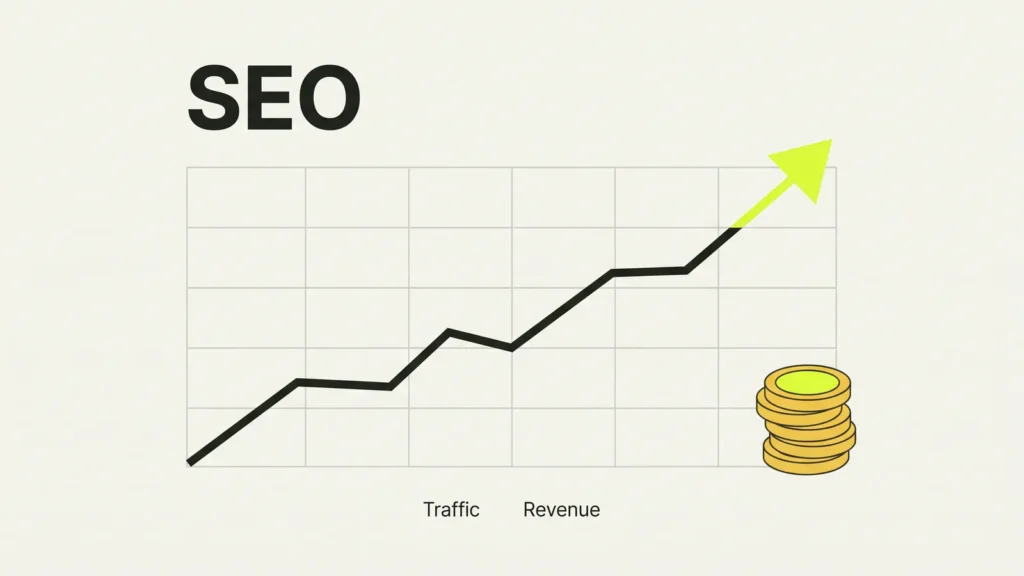
SEO (search engine optimisation) helps Google and AI search understand your site. Then they can show it to people looking for what you sell. If your customers search before they buy, and most do, SEO decides whether they find you or a competitor.
By the end of this guide you’ll know why it matters and have five fixes you can start this week. Most of them are free, and I’d start with the first one. You’ll also see how we check and improve sites at Riksi, if you’d rather hand it over.
Why SEO matters for a small business
Ads stop the moment you stop paying. A page that ranks well keeps bringing people in, month after month. That’s why I think of SEO as the shop window that stays lit after you’ve gone home.
Google puts it plainly. Its SEO Starter Guide says SEO “is about helping search engines understand your content.” I’d say the same goes for AI tools like ChatGPT and Google’s AI Overviews, which pick sources they can read and trust. My post on how AI search finds your site goes into that side.
One thing to know up front. SEO is slow. Google says some changes show in hours and others take months, and you “likely want to wait a few weeks” before judging a change. So start now, and be patient.
Tip 1: Set up Google Search Console
Google Search Console is free, and it’s the first thing I set up on any site. It shows which searches bring people to you, which pages Google has found, and what’s broken.
- Sign in with your Google account and add your website.
- Prove you own it. The easiest way is usually a DNS record, which your domain provider can help with.
- Go to Indexing → Sitemaps and add your sitemap. On WordPress it’s usually
/wp-sitemap.xml. On Shopify it’s/sitemap.xml.
Give it a few days to collect data. Then open Performance and look at the searches you already appear for. That list is a goldmine of ideas.
Tip 2: Give every page a clear title and description
The title is the blue link people click in Google. The meta description is the short text under it. Google recommends a unique, clear title for every page and a short summary of one or two sentences.
- Put the main words people search for near the start: “Plumber in Geelong” beats “Welcome to our website”.
- Keep titles under about 60 characters, so they don’t get cut off.
- Write the description like a small ad. Say what the page offers and why someone should click.
On WordPress, an SEO plugin gives you boxes for both under each page. On Shopify, scroll to Search engine listing at the bottom of any product or page.
Tip 3: Claim your Google Business Profile
If you serve customers in one area, this matters more than almost anything else. Your Google Business Profile is what shows on the map and in local results. Google says those results depend mainly on how relevant you are, how close you are, and how well known you are.
- Fill in every field: categories, hours, service areas and photos.
- Make sure your business name, address and phone match your website exactly.
- Ask happy customers for reviews, and reply to all of them. Don’t offer rewards for reviews. The Australian Consumer Law and Google’s own rules both treat that as misleading.
Tip 4: Make your site fast, and write for real questions
A slow site loses visitors before they read a word, and Google measures speed with its Core Web Vitals. My guides on speeding up a slow WordPress site and Core Web Vitals in plain English cover the fixes.
Then look at your content. Answer the questions customers ask you on the phone, one clear page per topic. Link your pages to each other with words that describe the page, not “click here”. And give every image alt text that says what it shows.
Some old advice you can ignore. Google doesn’t use the meta keywords tag, and there’s no magic word count. Stuffing a page with the same phrase breaks Google’s spam rules. Write for people, and the search engines follow.
How we help at Riksi
In my experience, the tips above will get you a long way. If you’d rather have someone look after it, this is what we do in our SEO and AI search service.
- We scan your site with our own custom scanning tools. They check the technical side that’s hard to see from the outside, page by page.
- We compare you with your competitors. We look at who ranks for the searches you want, and what their pages do that yours don’t.
- We fix and update the site. Titles, speed, structure, content and the code behind it, not just a report.
- We check it again to make sure every fix worked, and keep watching in Search Console.
We won’t promise you first place on Google, because nobody honest can. What we can do is make sure nothing on your site is holding you back.
Opens in a new tab

Comments
No comments yet. Questions, fixes and better ways are all welcome.