Guide 05 GrowSite upgrades
Which Shopify plan do I need? Basic, Grow, Advanced or Plus
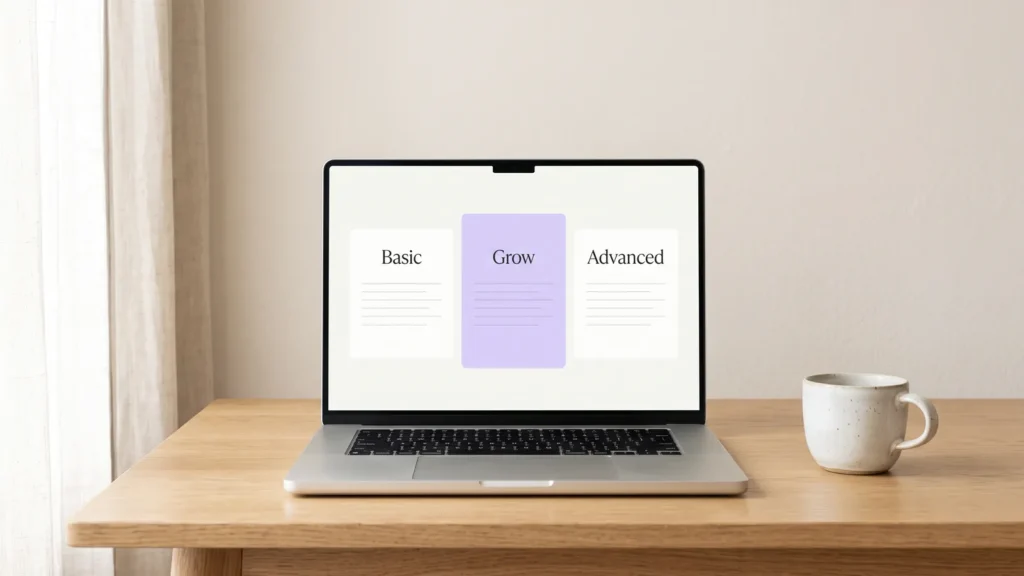
Most new Australian shops only need Shopify Basic. You move up to Grow when you need staff logins or sell enough for the lower card fees to cover the higher price. Advanced and Plus are for much bigger shops.
By the end of this guide you’ll know which plan fits your shop today, and when it’s worth moving up. It takes about ten minutes. All prices below are in Australian dollars, from Shopify’s Australian pricing page at the time of writing.
The four plans at a glance
Every plan gives you an online store, checkout, reports and Shopify’s point of sale. The big differences are the monthly price, the card fees and how many people can log in.
| Plan | Paid monthly | Paid yearly (per month) | Online card fee | Staff logins |
|---|---|---|---|---|
| Basic | $56 | $42 | 1.7% + 30¢ | Owner only |
| Grow | $149 | $114 | 1.55% + 30¢ | 5 |
| Advanced | $575 | $431 | 1.35% + 30¢ | 15 |
| Plus | From $3,700 | Contract | 1.15% + 30¢ | Unlimited |
The card fees are for Shopify Payments. If you use another payment provider, Shopify adds its own fee on top: 2% on Basic, 1% on Grow and 0.6% on Advanced. So I’d stick with Shopify Payments unless you have a good reason not to.
You might also see a Starter plan mentioned online. It only sells through product links on social media, and Shopify says it “isn’t available to new stores”. So I’ve left it out.
Five questions to find your plan
Answer these in order. The first answer that points to a plan is usually the right one.
1. Are you just starting, or selling less than about $5,000 a month?
Choose Basic. You get everything you need to launch, and the money you save can go into stock or ads. You can upgrade later in a few clicks, and your products, orders and theme stay as they are. Start with Shopify Basic.
2. Does anyone else need to log in to your shop?
Basic has no extra staff accounts. If a staff member, bookkeeper or developer needs their own login, you need Grow, which gives you five. Sharing your owner password is not the answer. It’s like giving everyone the key to the safe instead of the key to the front door. Start with Shopify Grow.
3. Do you sell more than about $50,000 a month online?
Grow’s lower card fee starts to pay for its higher price. If you pay yearly, Grow costs $72 a month more than Basic. At 0.15% less per sale, you save that much once you sell about $48,000 a month by card online. Paid monthly, the point is about $62,000. Compare Grow and Basic on Shopify.
4. Do you need 6 to 15 staff logins, or sell more than about $160,000 a month?
Choose Advanced. It gives you 15 staff accounts and the lowest card fee outside Plus. On yearly billing, Advanced costs $317 a month more than Grow and saves 0.2% per sale. That evens out at about $158,500 a month in online card sales. Start with Shopify Advanced.
5. Do you sell wholesale to other businesses, or run several shops?
Look at Plus. It adds wholesale (B2B) tools, Shopify Flow automation, more control over checkout and extra stores. Shopify aims it at businesses selling about $1 million a year or more. The price starts around $3,700 a month and you talk to Shopify’s sales team first. See Shopify Plus.
Why I start most shops on Basic
Most new shops don’t sell enough in the first year for Grow’s card fees to make up the difference. The extra features on the bigger plans are mostly about staff, reports and scale. You’ll know when you need them, because something will be missing.
My advice is to pay yearly once you know Shopify is right for you. It saves about 25%, which is $168 a year on Basic. Try it on monthly billing first, though. Shopify’s trial is currently 3 days free, then $1 a month for your first 3 months.
The costs that aren’t on the pricing page
The plan price is only part of what you’ll pay. Before you choose, add these up:
- Apps. Most shops add a few apps, for things like reviews, email or bookings. PSOS suggests small shops budget US$50 to US$200 a month for them.
- GST. Shopify adds 10% GST to its fees unless you enter a valid ABN in your billing settings. Go to Settings → Billing to check.
- A paid theme. The free themes are good. Paid ones are a one-off cost, so check the price in the Theme Store before you fall for one.
- Your domain. A .com.au address is a small yearly cost, bought through Shopify or elsewhere.
Once you’re live, make one of those apps earn its keep. My guide to abandoned cart emails shows how to win back people who leave without paying.
Check your plan every six months
Open Analytics → Reports and look at your total online sales for the past 30 days. Then run through the five questions again. If you’ve passed one of the break-even points, or you’ve hired someone, it’s time to move up. Moving down is fine too, if things get quieter.
If you’d like a hand choosing a plan or setting up the shop, Riksi can do it through our site updates service. Otherwise, start small with Basic. Shopify makes it easy to move up when your shop is ready.
Opens in a new tab
Comments
No comments yet. Questions, fixes and better ways are all welcome.