Guide 03 GrowSite upgrades
Add SMS appointment reminders to your WordPress site
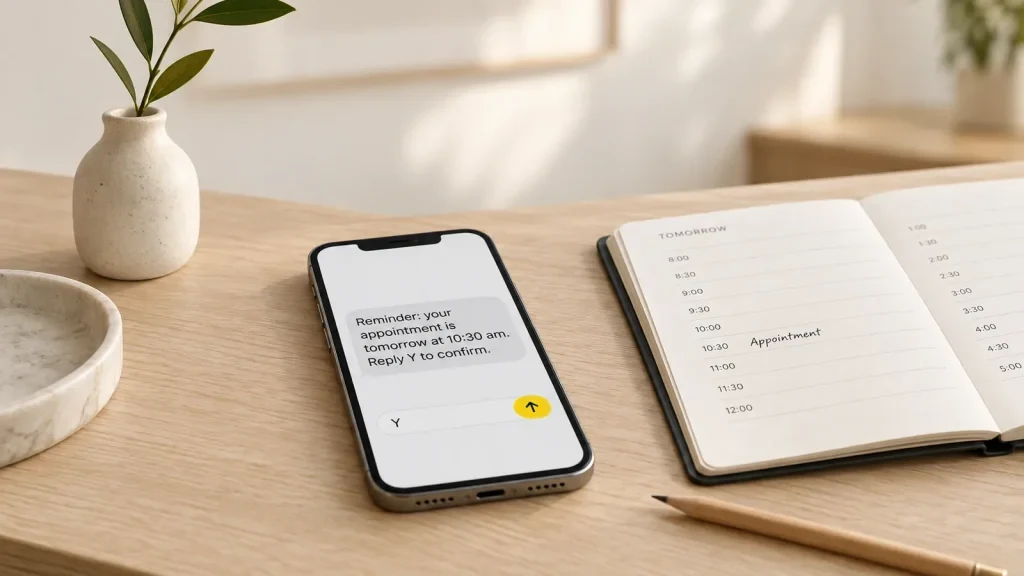
A missed appointment is an empty slot you can’t sell again. A text the day before is one of the cheapest fixes there is. In this guide I’ll show you how to send automatic SMS reminders from a WordPress booking site. I’ll also cover Australia’s new rules for business names on texts.
You’ll need a booking plugin, an SMS account and about an hour. Before you add anything new, it’s worth doing a 10-minute check of your site first.
Do text reminders really work?
For health appointments, there is good evidence. A Cochrane review of 8 trials found that 78.6% of people who got an SMS reminder turned up, compared with 67.8% with no reminder. Texts worked about as well as phone calls, and cost less per visit. The review is from 2013 and rates the evidence as low to moderate quality, so treat it as a guide.
A hair salon isn’t a hospital, but people forget things the same way everywhere. The phone in their pocket is the best place to remind them.
Pick a booking plugin that can send texts
If you already use one of these, you may only need to switch SMS on:
- Bookly sends texts in the free and Pro versions, paid from a prepaid Bookly Cloud balance. Its rates page lists Australian texts at $0.12 each.
- Amelia sends texts through its own SMS service with a prepaid balance. You can’t connect your own Twilio account to it.
- LatePoint uses a Twilio add-on. Reminders are workflows, like “24 hours before the booking starts”.
- WooCommerce Bookings sends only email reminders on its own. The Twilio SMS Notifications extension, at US$49 a year, adds text reminders.
Prices change often, so check each pricing page before you choose. I’d pick the plugin for how well it handles your bookings, and treat SMS as the bonus.
Choose how the texts are sent
Some plugins use their own SMS service. Others connect to an SMS gateway like Twilio or ClickSend. At the time of writing, Twilio charges about US$0.05 for a text to an Australian mobile.
Then decide who the text comes from. You have two choices:
- A business name, like “YourSalon”. It looks professional, but people can’t reply to it.
- A mobile number. It costs a small monthly fee, and customers can reply “Y” to confirm or call you back.
If you want people to confirm by replying, you need a number. The Twilio docs are clear about it. “Alphanumeric sender IDs support one-way messaging only; recipients cannot reply.”
Register your business name before you send
This part is new. Since 1 July 2026, a text sent from a business name that isn’t on the ACMA’s SMS Sender ID Register shows as “Unverified”. It also lands in one thread with other unverified messages, including possible scams. That’s not where you want your reminder to live.
You register through your SMS provider, and there is no fee at the moment. If you have an ABN, make sure the contact email on your ABN record is current, because the check uses it. Texts sent from a normal phone number don’t need this step. The ACMA names appointment scheduling as one of the uses the register covers.
Keep reminders as reminders
A plain reminder isn’t spam. The ACMA’s page on what spam is says messages are not spam when they “are appointment or payment reminders”. But add an offer, like “Book a facial and save 20%”, and it becomes a marketing message. Then the full Spam Act applies, with consent, your business name and an unsubscribe that works within 5 working days.
So I keep reminders short and plain:
- Who it’s from, and the customer’s first name.
- The day, time and place.
- How to change the booking, like a reply code or a link.
Stay under 160 characters, because Bookly and most gateways count a longer text as two. Send the first reminder 24 hours before. Add a second one an hour or two before if your appointments are long. And keep them to daytime, as Twilio’s Australian guidelines suggest. Nobody wants a 6 am text about their dentist.
What about Shopify?
Shopify’s own texts are limited in Australia. It sends an order confirmation by SMS only when the customer gives a phone number instead of an email. And Shopify Messaging’s SMS marketing doesn’t support Australian numbers. Apps like Klaviyo do support Australia, with a registered sender name.
Once your reminders are running, count your no-shows for a month and compare them with the month before. If you’d like it set up for you, from the booking form to the texts, we can add SMS to your existing site.
Opens in a new tab


Comments
No comments yet. Questions, fixes and better ways are all welcome.