Create a custom log function in PHP
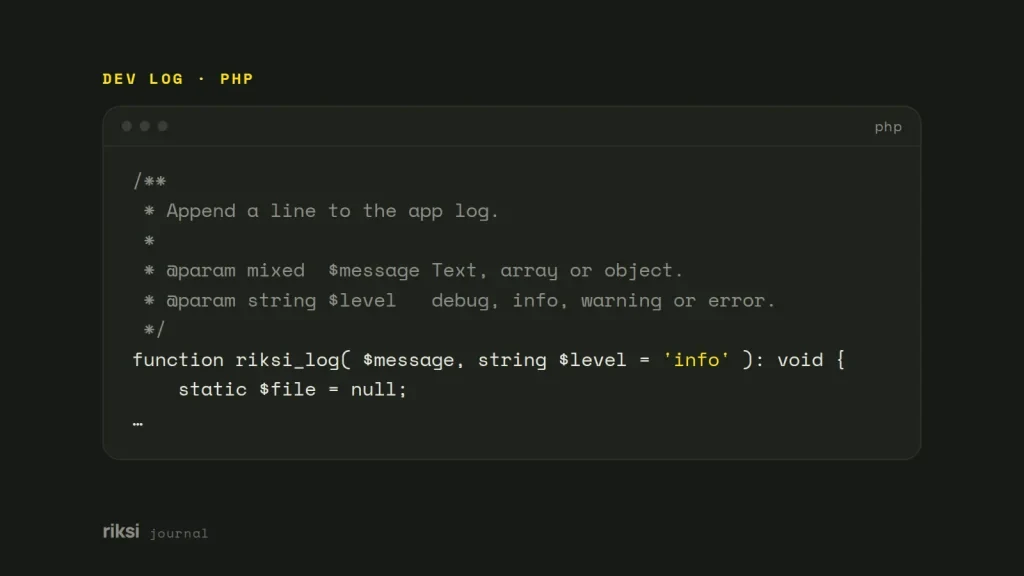
You want to see what your PHP code is doing, without digging through the server’s error log. A custom log function writes your own debug and event messages, with a timestamp, to a file you choose. It keeps them separate from PHP’s error log. PHP’s built-in error_log() already does the file writing. You only wrap it in a function that adds the date, the level and a readable dump of arrays.
I’d keep the log file outside the web root. I explain why below.
The function
<?php
/**
 * Append a line to the app log.
 *
 * @param mixed  $message Text, array or object.
 * @param string $level   debug, info, warning or error.
 */
function riksi_log( $message, string $level = 'info' ): void {
	static $file = null;
	if ( null === $file ) {
		$file = getenv( 'APP_LOG' ) ?: dirname( __DIR__ ) . '/logs/app.log';
	}

	if ( ! is_string( $message ) ) {
		$message = print_r( $message, true ); // arrays and objects, readably
	}

	$line = sprintf(
		"[%s] %s: %s\n",
		date( 'Y-m-d H:i:s' ),
		strtoupper( $level ),
		trim( $message )
	);

	error_log( $line, 3, $file ); // 3 = append to the file given
}
It’s a small function on purpose. A logger with bugs of its own is no help when you’re chasing one. You can use it anywhere.
riksi_log( 'Import started' );
riksi_log( $order, 'debug' );
riksi_log( 'Payment gateway timed out', 'error' );
The file then fills with lines like these.
[2026-09-25 14:02:11] INFO: Import started
[2026-09-25 14:02:15] ERROR: Payment gateway timed outHow it works
error_log( $line, 3, $file )uses message type 3, which appends the text to the file you name. It doesn’t add a new line, so the format ends in\n.print_r( $message, true )returns an array or object as text instead of printing it. Usevar_export()if you want output you could paste back into PHP. Usejson_encode()if you want one line per entry. For day-to-day debugging, I findprint_r()the easiest to read.- The timestamp uses PHP’s default time zone. Set it once with
date_default_timezone_set( 'Australia/Melbourne' )or in php.ini. If you don’t, your log will silently be in UTC. Then an error at 9 am in Melbourne is logged as the night before. - The static
$filevariable works out the path only once per request.
Where to put the log file
Never put it inside the public web root. Anyone who guesses the name can download a log in public_html/log.txt. And logs are full of details that help an attacker.
Put it one level up instead, in a logs folder the web server user can write to. That’s where I keep mine.
mkdir -p ~/logs
touch ~/logs/app.log
chmod 640 ~/logs/app.log   # owner writes, group reads, nobody else
If it has to live under the web root, block it in the server config. On Apache, for example, use Require all denied for the folder. Set up log rotation too, such as logrotate on Linux. Otherwise the file keeps growing until the disk is full. A log with no rotation is like a tap left running into a sink with no drain.
What never to log
Logs get copied, emailed and pasted into support tickets, so treat them as semi-public. Never write passwords, full card numbers, API keys, session IDs or password-reset tokens.
Be careful with whole request arrays. riksi_log( $_POST ) on a login form logs the password. Remove or mask sensitive keys first.
$safe = array_diff_key( $_POST, array_flip( array( 'password', 'pass', 'card_number' ) ) );
riksi_log( $safe, 'debug' );
Visitors’ IP addresses and emails are personal information under the Privacy Act. Only log them if you need them, and don’t keep them forever. I leave them out unless there’s a clear use for them.
Logging in WordPress
WordPress has its own debug log. Turn on WP_DEBUG and WP_DEBUG_LOG in wp-config.php. Then a plain error_log( 'message' ) goes to wp-content/debug.log. You can point that log somewhere private too. I cover debug settings for each environment in my guide to running WordPress across local, staging and live.
define( 'WP_DEBUG', true );
define( 'WP_DEBUG_LOG', '/home/example/logs/wp-debug.log' ); // a path instead of true
define( 'WP_DEBUG_DISPLAY', false );
A custom function is still useful for your own events. It keeps them apart from plugin warnings. Plugins can be chatty in the debug log, and your own messages are easy to lose among theirs.
When to use a library instead
For anything bigger than a site or two, I use Monolog. It’s the standard PHP logging library. It follows PSR-3, the common PHP logger interface. It gives you log levels, rotation, and handlers that send errors to Slack, email or a log service. Laravel and Symfony already use it.
You install it with one command.
composer require monolog/monologI’d start with the small function. Move to Monolog when one log file is no longer enough. The log file will usually tell you. It gets too long to scroll.


Comments
No comments yet. Questions, fixes and better ways are all welcome.