Run WordPress across local, staging and live environments
You have a WordPress site on your computer, a staging copy and the live site, and they keep drifting apart. My fix is one rule. Keep the WordPress code the same on your computer, the staging server and the live site. Put everything that differs in a small settings file for each environment, and keep that file out of Git.
That file holds the database details, URLs, debug settings and API keys. WordPress then tells your code which environment it’s in through WP_ENVIRONMENT_TYPE.
What changes between environments
| Setting | Local | Staging | Live |
|---|---|---|---|
| Database | local MySQL | staging DB | live DB |
| Site URL | http://site.test |
https://staging.example.com |
https://example.com |
| Debugging | on, shown | on, logged | off |
| Search engines | blocked | blocked | allowed |
| caught locally | caught or test inbox | real SMTP | |
| Payment and API keys | test keys | test keys | live keys |
Everything else, meaning the theme, plugins and core, should be the same code everywhere, deployed from Git. If staging runs different plugin versions from live, it’s no longer a useful test. It’s like taking a test drive in a different car from the one you plan to buy.
Split wp-config.php into two files
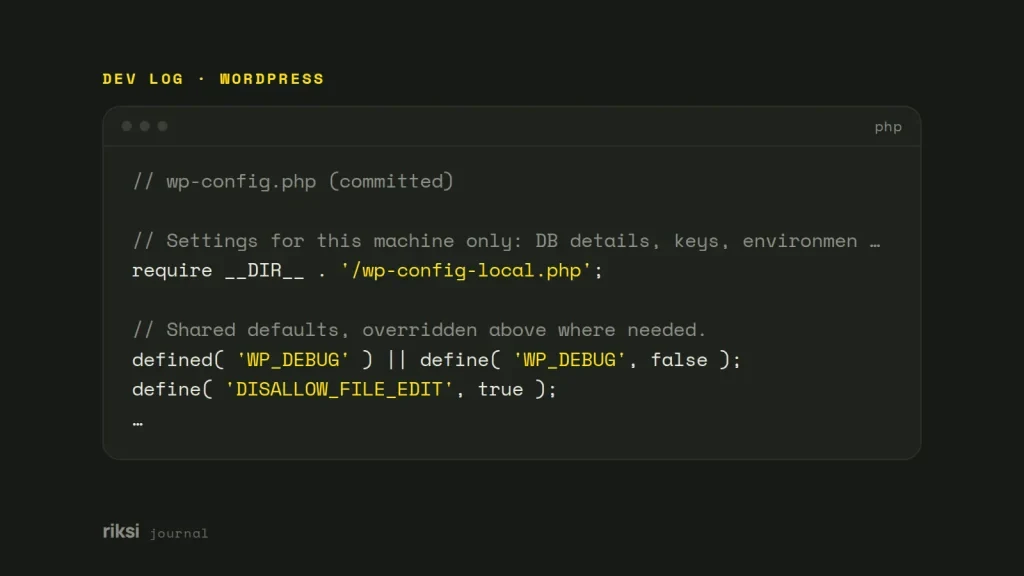
I keep one wp-config.php in the repository. It loads an environment file that isn’t committed.
<?php
// wp-config.php (committed)

// Settings for this machine only: DB details, keys, environment type.
require __DIR__ . '/wp-config-local.php';

// Shared defaults, overridden above where needed.
defined( 'WP_DEBUG' ) || define( 'WP_DEBUG', false );
define( 'DISALLOW_FILE_EDIT', true );

$table_prefix = 'wp_';

if ( ! defined( 'ABSPATH' ) ) {
	define( 'ABSPATH', __DIR__ . '/' );
}
require_once ABSPATH . 'wp-settings.php';
<?php
// wp-config-local.php (NOT committed, one per environment)
define( 'DB_NAME', 'site_local' );
define( 'DB_USER', 'root' );
define( 'DB_PASSWORD', 'root' );
define( 'DB_HOST', 'localhost' );
define( 'WP_HOME', 'http://site.test' );
define( 'WP_SITEURL', 'http://site.test' );
define( 'WP_ENVIRONMENT_TYPE', 'local' );
define( 'WP_DEBUG', true );
define( 'WP_DEBUG_LOG', true );
// Unique salts per environment: https://api.wordpress.org/secret-key/1.1/salt/
define( 'AUTH_KEY', '...' );
// ...and the other seven keys and saltsAdd wp-config-local.php to .gitignore. Then commit a wp-config-local.sample.php with placeholder values, so the next developer knows what to fill in.
Defining WP_HOME and WP_SITEURL here also stops a copied database sending you to the wrong domain. A database remembers where it came from. Without these two lines, it takes you straight back there.
The same idea works with environment variables or a .env file, which is how Bedrock does it. Packages that pick a config by domain name do the same job. I don’t mind which one you pick. What matters is that secrets live outside the repository.
Tell your code where it is running
WP_ENVIRONMENT_TYPE accepts local, development, staging or production. The default is production. Yes, that means the copy on your laptop counts as the live site until you set it. Read it with wp_get_environment_type() instead of checking domain names.
if ( 'production' !== wp_get_environment_type() ) {
	// Keep search engines out of local and staging copies.
	add_filter( 'wp_robots', 'wp_robots_no_robots' );
}

if ( in_array( wp_get_environment_type(), array( 'local', 'development' ), true ) ) {
	// Log mail instead of sending it.
	add_filter( 'pre_wp_mail', function ( $return, $atts ) {
		error_log( 'Mail to ' . implode( ', ', (array) $atts['to'] ) . ': ' . $atts['subject'] );
		return true;
	}, 10, 2 );
}
WordPress reads the setting too. Application Passwords normally need HTTPS. But on a site whose environment is local, they work over plain HTTP.
More plugins check it every year, so I’d set it instead of guessing from the domain name.
Code goes up, content comes down
Code moves up, from local to staging to live, through Git. Content moves the other way. The live database is the real one, so copy it down to test against. Never copy it up over live.
# On live: export
wp db export live.sql

# On local or staging: import, then fix the URLs
wp db import live.sql
wp search-replace 'https://example.com' 'http://site.test' --all-tables --skip-columns=guid
Copy uploads with rsync, or leave them on live and serve them to local copies with a small rewrite rule. That saves gigabytes.
If staging is less locked down than production, remove customer data before a database copy leaves the live server.
Check your setup
- One committed
wp-config.php, and one uncommitted settings file per environment. WP_ENVIRONMENT_TYPEset everywhere, and code that checkswp_get_environment_type().- Different salts, database users and API keys for each environment.
- Search engines and real email blocked outside production.
- Code goes up through Git, and the database comes down from live.
On a new project, I set this up first, before any theme work. It’s much harder to untangle later. Left alone, three copies of a site will drift apart. This setup gives them far fewer ways to do it.


Comments
No comments yet. Questions, fixes and better ways are all welcome.