Gulp for Sass and JavaScript: a modern gulpfile
You want Sass compiled and JavaScript minified every time you save, without a heavy framework. Gulp is a task runner. You list steps in a gulpfile.js, like “compile Sass, minify the JavaScript, watch for changes”, and run them with one command.
Gulp 5 is the current major version. The setup below compiles SCSS with Dart Sass, bundles and minifies JavaScript with esbuild, and watches both. That covers most theme and site builds.
Is Gulp still a good choice?
For a new app with a framework, tools like Vite do this and more. If you’d rather skip Node, you can also compile Sass with PHP. I still like Gulp for a small, clear build in a WordPress theme, a Shopify theme or a static site. It has no dev server and no opinions about your folder layout. A gulpfile is like a recipe card. Gulp follows the steps on it and does nothing else. If a project already uses Gulp, I’d update it rather than replace it. That’s usually quicker.
Install
You need Node.js (a current LTS version). Then run this in the project folder.
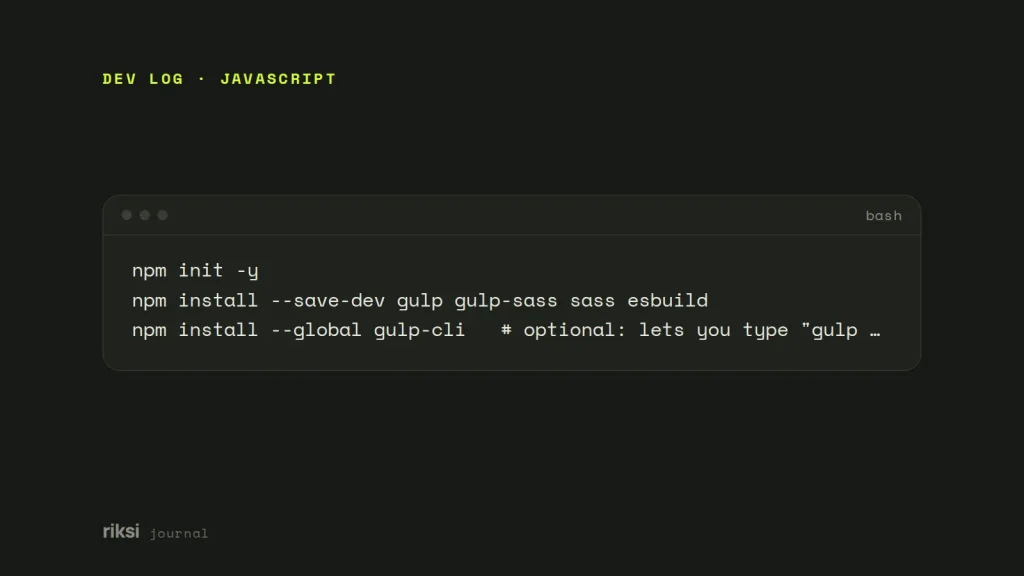
npm init -y
npm install --save-dev gulp gulp-sass sass esbuild
npm install --global gulp-cli   # optional: lets you type "gulp" instead of "npx gulp"
gulp-sass is only the adapter. The compiler is the sass package, which is Dart Sass. Older guides use node-sass, which is deprecated and fails to build on current Node versions. Old tutorials stay online long after their packages stop installing. I wouldn’t use it on any build today.
The gulpfile
Gulp 5 supports ES modules (import and export). Save this as gulpfile.mjs, or as gulpfile.js with "type": "module" in package.json. Yes, one extra letter in the file name changes how Node reads the whole file.
import gulp from 'gulp';
import gulpSass from 'gulp-sass';
import * as dartSass from 'sass';
import * as esbuild from 'esbuild';

const { src, dest, watch, series, parallel } = gulp;
const sass = gulpSass( dartSass );
const isProd = process.env.NODE_ENV === 'production';

export function styles() {
  return src( 'src/scss/*.scss', { sourcemaps: ! isProd } )
    .pipe( sass( { style: isProd ? 'compressed' : 'expanded' } ).on( 'error', sass.logError ) )
    .pipe( dest( 'assets/css', { sourcemaps: '.' } ) );
}

export async function scripts() {
  await esbuild.build( {
    entryPoints: [ 'src/js/main.js' ],
    bundle: true,
    minify: isProd,
    sourcemap: ! isProd,
    target: 'es2020',
    outfile: 'assets/js/main.js',
  } );
}

export function watcher() {
  watch( 'src/scss/**/*.scss', styles );
  watch( 'src/js/**/*.js', scripts );
}

export const build = parallel( styles, scripts );
export default series( build, watcher );
What each part does
stylesreads every top-level SCSS file, compiles it, and writes CSS toassets/css. Partials that start with_are pulled in with@use.sass.logErrorprints the error and keeps the watcher running instead of crashing.- Source maps link compiled code back to your source files. Gulp 4 and 5 build them in through the
sourcemapsoption, so you don’t need the oldgulp-sourcemapsplugin. scriptshands JavaScript to esbuild, which follows yourimports, bundles them into one file and minifies it in milliseconds. Gulp just runs the async function.watcherruns a task again when matching files change.seriesandparallelcombine tasks.buildruns both at once. The default task builds, then watches.
Run it
On a new project, I add scripts to package.json, so nobody needs to remember the commands.
"scripts": {
  "dev": "gulp",
  "build": "NODE_ENV=production gulp build"
}
Use npm run dev while you work, and npm run build before you deploy. On Windows, set the variable with the cross-env package, because NODE_ENV=production in a script is Unix syntax.
Useful extras
| Need | Package |
|---|---|
| Vendor prefixes for older browsers | gulp-postcss with autoprefixer |
| Optimise images | gulp-imagemin, or better, let your CMS make WebP files |
| Live reload in the browser | browser-sync |
| Clean the output folder first | a task using fs.rm from Node itself |
Keep the build folder (assets here) out of src, and add node_modules to .gitignore. Then decide whether to commit the compiled files. If you deploy by copying files, committing them is easiest. If you use CI (an automatic build on a server), build on deploy instead. That’s what I’d choose when it’s an option. Minified CSS is one very long line, and its diffs are no fun to review.
Upgrade an old gulpfile
- Replace
node-sasswithsass, and callgulpSass( dartSass ). - Replace
gulp.task( 'name', ['deps'], fn )(Gulp 3) with exported functions andseries/parallel. - Drop
gulp-sourcemapsand use the built-insourcemapsoption. - Swap
gulp-uglifyandgulp-concatfor esbuild if you want bundling and modern syntax.
Make one change at a time and run the build after each one. That way you know which step broke it, if one does. The old gulpfile has waited years for this. It can wait for one more build.


Comments
No comments yet. Questions, fixes and better ways are all welcome.